
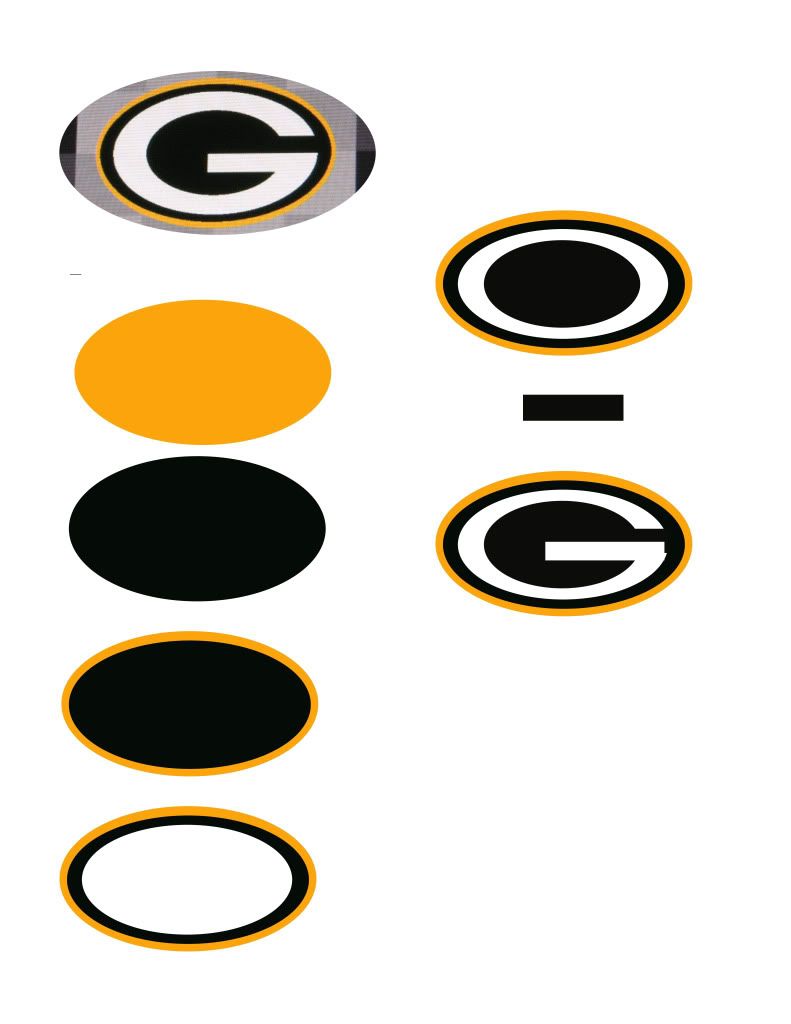
1st. Make gold oval
2nd. Make a copy of the gold oval, make it green, use the stretch tool to make it slightly smaller than the gold oval, this will give u the outline look.
3rd. Repeat step 2 but make the color white
4th. Yet again, repeat the copy of step 3, but make the color green.
5th. Make a new layer with a square, make it green, stretch it out and place it to the right edge to create the gap in the G.
6th. Create a white square, stretch it out and make the bar of the G, done.


 I'd imagine we could do some ridiculous stuff using the dual analogs.


Comment