1. Has anyone figured out the headlights and manufact. decals? (I read somewhere that a dev said they are in there, but they aren't and I have patched it)
2. the unlockable paint schemes are cool, but can we add numbers/ sponsors? It's kind of lame without numbers and sponsors
...This game is kind of epically failing right now...
How did you add the # to the car???? I see how to make any number the way you want just can't figure out how to apply it to the car???
basically you go to "add" and then select "text" and just type in a number and place it on there like that... you can add shadows or different colors and gradients just like you can anything else, it took me a while to figure out what the icon was and how to put numbers on as well
I don't know where it was posted, but you can indeed make shapes "grow." There was somebody who put a bunch of squares together to make a racing stripe, and I found out that you don't have to do that. When you click the square decal, press "L3" and push up. You should be able to make a rectangle.
I don't know where it was posted, but you can indeed make shapes "grow." There was somebody who put a bunch of squares together to make a racing stripe, and I found out that you don't have to do that. When you click the square decal, press "L3" and push up. You should be able to make a rectangle.
That's pretty cool actually... thanks for that! Any other hints you find would be awesome, this is pretty much where I have spent most of my time lol
Yeah, the way they did the whole "press L3" thing has thrown me off. It would have been useful when I was creating my Bank of America Ford.
I feel like it is very deep but you really need to spend time to figure it all out... I created a pepsi car, its convenient they had the swirl for the middle of the logo right next to the half circle lol But i have been looking for a "stretch" feature and that is about as close to it as I'll get, Thanks again!
Yeah, the way they did the whole "press L3" thing has thrown me off. It would have been useful when I was creating my Bank of America Ford.
Just came across another quirk, when I create a decal and I paste it on the car, i can see outlines of shapes on there... can you get rid of these?
ex. I have a green square ontop of a green background to cover up another shape, and I can see the green square because of the outline even though its the same color
Just came across another quirk, when I create a decal and I paste it on the car, i can see outlines of shapes on there... can you get rid of these?
ex. I have a green square ontop of a green background to cover up another shape, and I can see the green square because of the outline even though its the same color
I noticed that when I was going on my first go around. What I did was I put the layer that had the outline behind the one that didn't. That worked for my car.
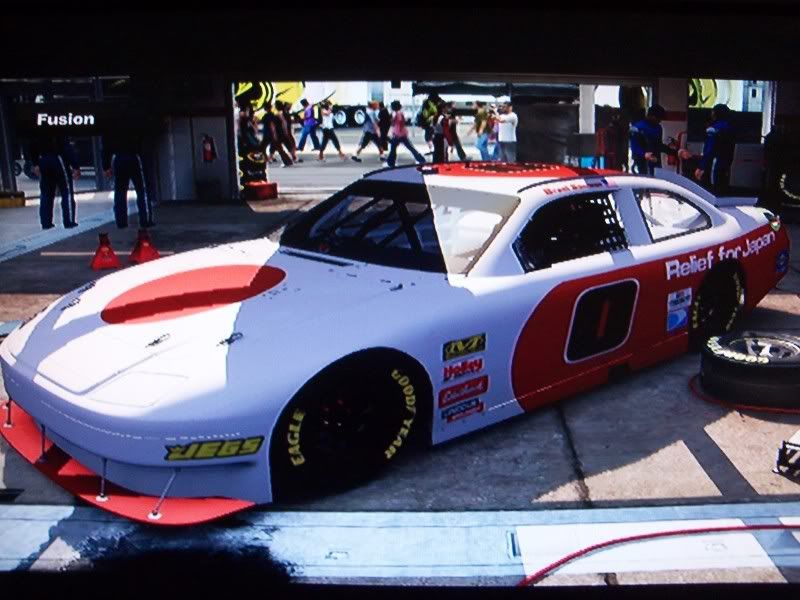
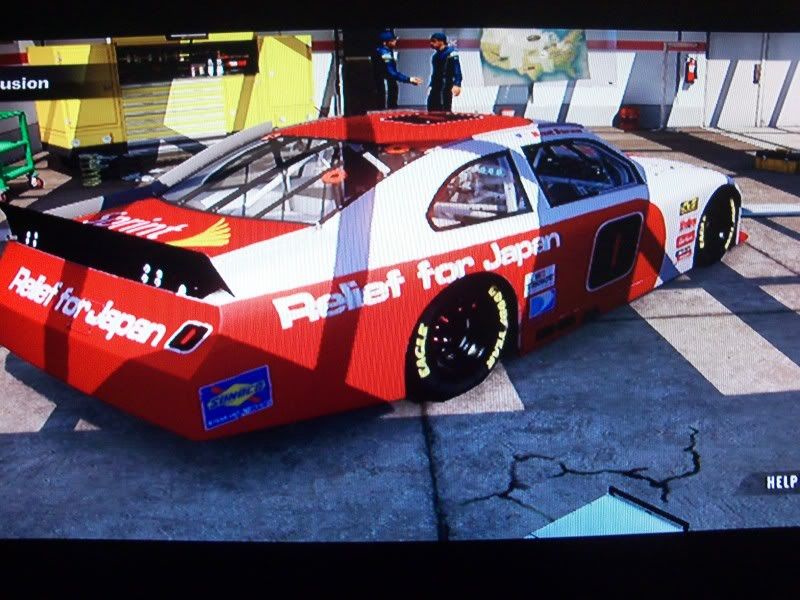
Here's my first shot at the in house creator. I couldn't think of what I wanted, so I did disaster relief. The only disaster that needs relief though is my car .
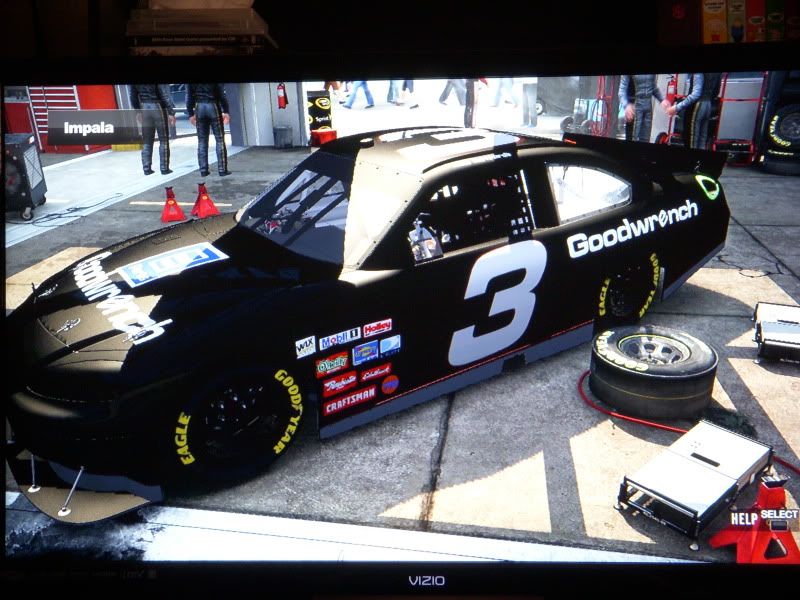
I'll be making a bunch of old school nascar paint scheme's. I did this on Midnight Club and i was surprised how good i was at it.
Up next is the Davey Allison Havoline Ford.
I'm trying to make a nike design.... pretty tough so far because you can't 'delete' anything you can only cover it up with another shape.. or am I wrong?

 .
.


Comment